A Better Terminal Than iTerm2: The Birth of Claude Code Terminal!
A Better Terminal Than iTerm2: The Birth of Claude Code Terminal!
Hello everyone, I am Guide. Today, I want to talk about several "modern terminals" that have gained a lot of attention in the past two years.
For developers, the terminal might be the interface they interact with the most daily, aside from the editor: writing code, running commands, viewing logs, connecting to servers, troubleshooting, writing scripts, and so on.
Many macOS developers, including myself, are still using iTerm2—a tool that is still maintained but has not seen significant changes in its product form for many years.
Recently, I have tried several so-called "modern" terminals, and after experiencing them, I found that this space has become quite competitive: some are written in Zig language for the core, with performance that is absurdly strong; some have directly integrated SFTP and multi-cursor editing, making operations feel like a cheat; and some have simply turned the terminal into an IDE with built-in AI completion.
Especially Ghostty, which has recently gained popularity thanks to endorsement from the Claude Code team.
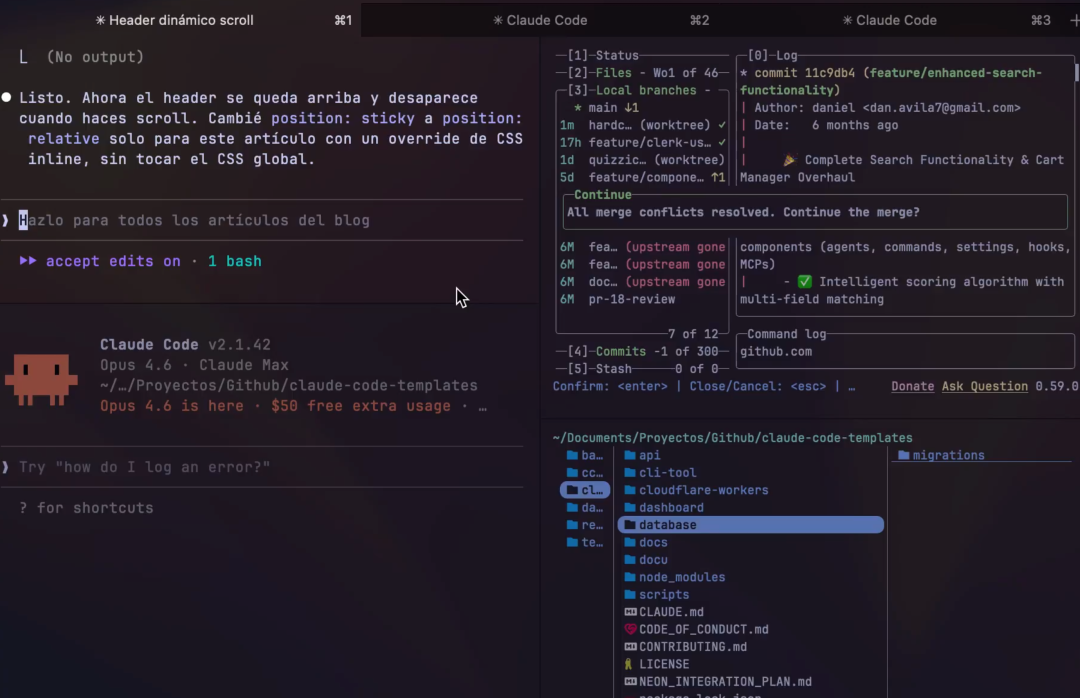
Next, I will explain these four tools in a more "horizontal comparison" manner: Ghostty / WindTerm / kitty / Warp.
1. Ghostty: A New Generation Terminal with Native Experience + Performance
If you are using Claude Code or often run long outputs, you may sometimes encounter a frustrating phenomenon: when the output is lengthy, the scrolling experience starts to become unstable. You often have to clear the terminal and restart Claude Code.
This issue has existed on iTerm2 for some time, and the community's solutions are varied, but none have completely resolved it.
This is also the terminal recommended by the Claude Code team.
Introduction to Ghostty
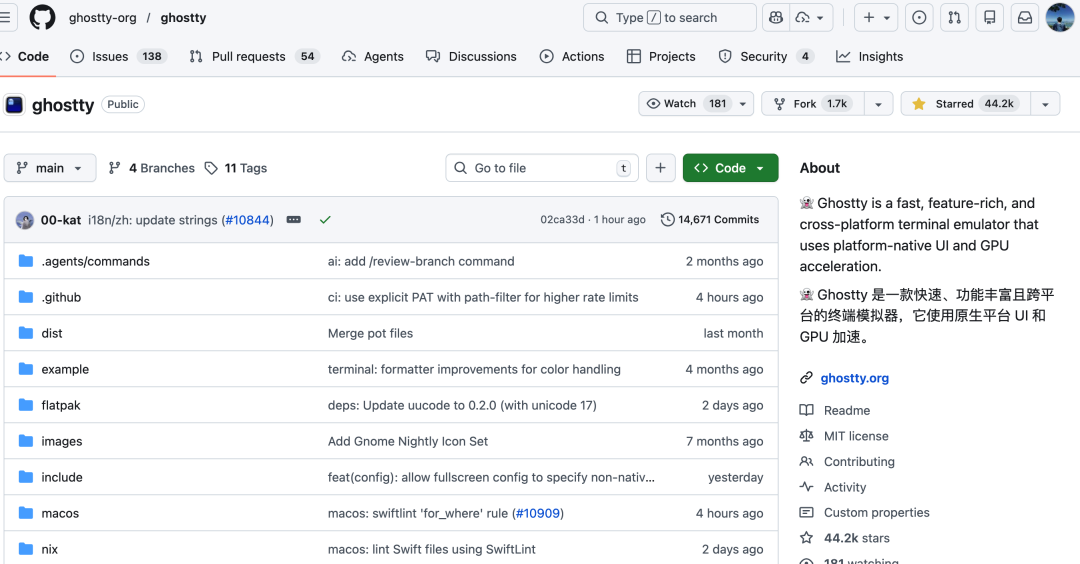
Ghostty is developed by Mitchell Hashimoto (founder of HashiCorp), and the core idea is very simple: native performance, rejecting Electron.
Ghostty is written in Zig language. The core advantage of Zig is zero-cost abstraction—the compiled binary files are small, and the running speed is very fast.
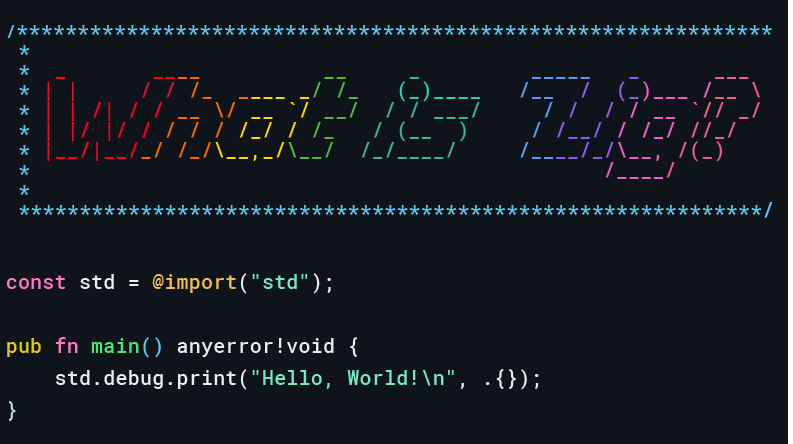
For terminal emulators, which are sensitive to performance, the choice of language directly affects the experience: when processing tens of thousands of lines of log output per second, character rendering must maintain the display refresh rate limit; otherwise, users will perceive lag.
Ghostty is cross-platform (the Windows version is still in progress):
- macOS: A true SwiftUI application with native windows, menu bars, and settings GUI.
- Linux: Built using GTK.
- Shared Core: A large core library written in Zig, but the platform layer is native.
Moreover, Ghostty supports most kitty extension protocols, so if you are a kitty user, the migration cost is almost zero.
Project address: https://github.com/ghostty-org/ghostty
Multi-Renderer Architecture and Performance
Ghostty adopts a multi-renderer architecture: Linux uses OpenGL, while macOS uses Metal.
According to the author of Ghostty, aside from iTerm, Ghostty is the only terminal emulator that directly uses Metal—and it is the only Metal renderer that supports ligatures.
In I/O benchmark tests:
- The speed of reading pure text dumps is 4 times faster than iTerm and kitty.
- 2 times faster than Terminal.app.
- Comparable speed to Alacritty.
Installation and Usage
macOS:brew install --cask ghosttyThe configuration for Ghostty is in plain text, and the configuration file is located at ~/.config/ghostty/config:
`# Theme (built-in hundreds, use ghostty +list-themes to view) theme = iTerm2 Default
Font size
font-size = 15
Font family
font-family = JetBrains Mono
Window adjustment
resize-increment = 100`
2. WindTerm: Not Just a Simple Terminal Emulator
Introduction to WindTerm
WindTerm is positioned not as a "terminal emulator," but as an "SSH/Telnet/Serial/Shell/SFTP client."
If in your work, opening a terminal more often means: connecting to servers, jump hosts, transferring files, opening multiple sessions, or even connecting to serial devices—then WindTerm is likely more suitable for you than a "pure terminal emulator."
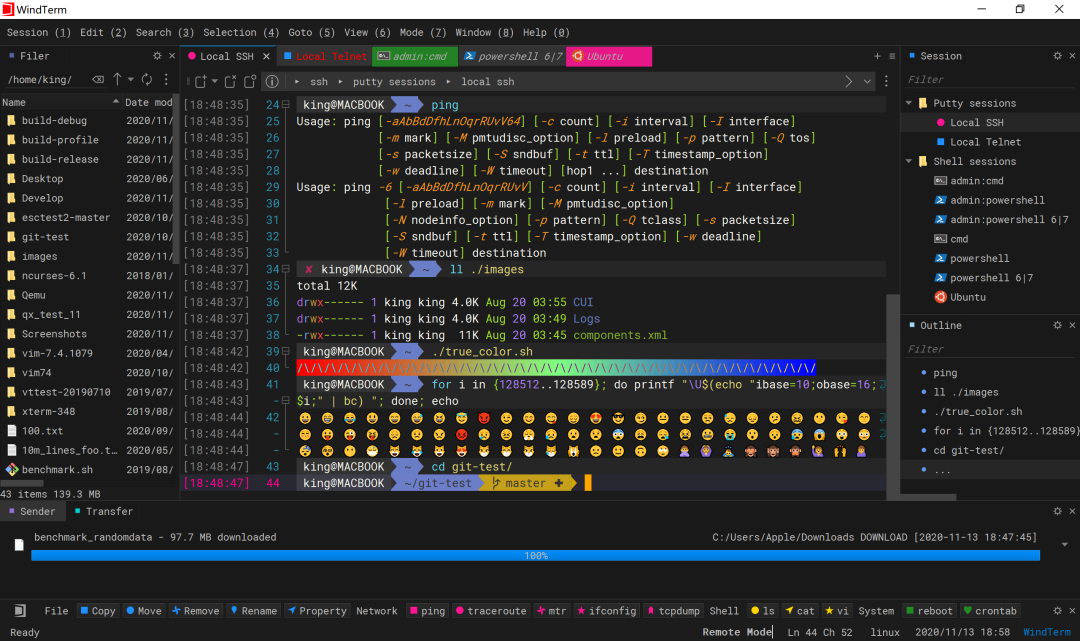
WindTerm brings many IDE features into the terminal:
Feature Description Dynamic Auto-completion not only completes commands but also senses files in the current path, Git branches, and historical inputs Outline View automatically parses long outputs (like ls -l or logs) to generate clickable navigation outlines Multi-cursor Editing similar to text editors for multi-line simultaneous editing GitHub Address: https://github.com/kingToolbox/WindTerm
Operations and Maintenance Friendly
WindTerm supports SSHv2, Telnet, Raw TCP, Serial, Shell, and also integrates sftp/scp with local file management.
Additionally, WindTerm has two capabilities particularly useful for operations and maintenance:
- Synchronized Input: Input in one window is sent to multiple sessions simultaneously
- More Systematic History/Session Management: Command history, session tree, layout recovery, etc.
3. kitty: GPU Accelerated Hacker Customizable Terminal
Introduction to kitty
Kitty is a well-established GPU accelerated terminal, written in C, pursuing "speed, powerful functionality, and high customization."
Unlike traditional terminals that rely on CPU rendering, kitty's core is a dedicated OpenGL engine written in C language.
- Low Load, High Frame Rate: It offloads rendering pressure to the GPU
- Thorough Asynchronous Architecture: Input processing, rendering, and IO all run in independent threads
Kitty comes with a built-in set of small tools called "Kittens":
Tool Function Description Core Value icat displays high-fidelity images directly in the terminal, useful for viewing images during operations and data science plotting without leaving the console diff sidebar code comparison extremely fast, color distinct, supports syntax highlighting unicode_input fuzzy search input for Unicode solves the problem of finding special symbols hints text selection and navigation within the screen allows quick extraction of URLs and paths on the screen by pressing shortcut keys GitHub Address: https://github.com/kovidgoyal/kitty
Self-developed Protocols
This is the most impressive aspect of kitty. It has developed two sets of protocols, which are now widely compatible with emerging tools like Ghostty, WezTerm:
- Graphics Protocol: abandons the outdated Sixel protocol, supports true color, transparency, and even animations
- Extended Keyboard Protocol: addresses the pain point of traditional terminals being unable to distinguish between Tab and Ctrl+I key combinations
Installation and Usage
macOS:## 4. Warp: AI-Driven Collaborative "Terminal 2.0"
Introduction to Warp
Warp is a modern terminal completely rewritten in Rust. It completely breaks the decades-old "streaming characters" logic of traditional terminals and transforms it into a more IDE-like collaborative environment.
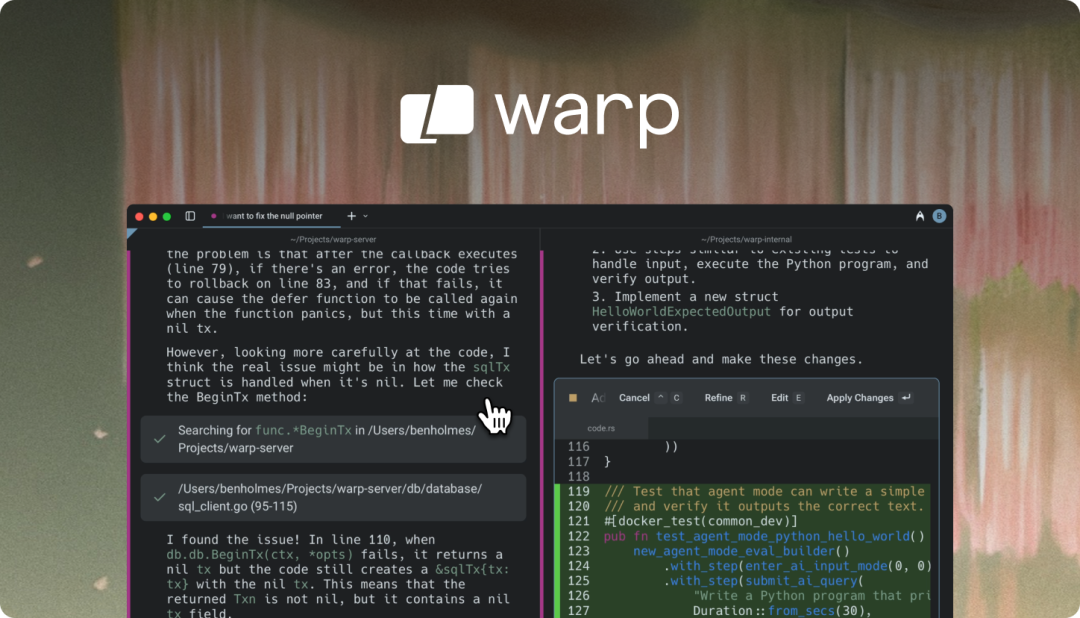
Github Address: https://github.com/warpdotdev/Warp
| Dimension | Traditional Terminal (iTerm2/Terminator) | Warp |
|---|---|---|
| Content Organization | Continuous long text (difficult to split) | Block Logic (independently manageable, shareable) |
| Input Method | Linear character stream (no mouse selection) | IDE Mode (supports selection, undo, multi-line) |
| AI Support | None or relies on third-party plugins | Native Built-in (supports natural language to command) |
| Team Collaboration | Personal configuration, cannot share | Warp Drive (cloud-shared workflows) |
Block Design
The most disruptive design of Warp is splitting the continuous long text of traditional terminals into independent Blocks.
- Independent Control: Each command and its corresponding output are packaged into a "block".
- Zero-Cost Sharing: You can generate a permanent link to share a specific error block with colleagues with one click.
Warp AI
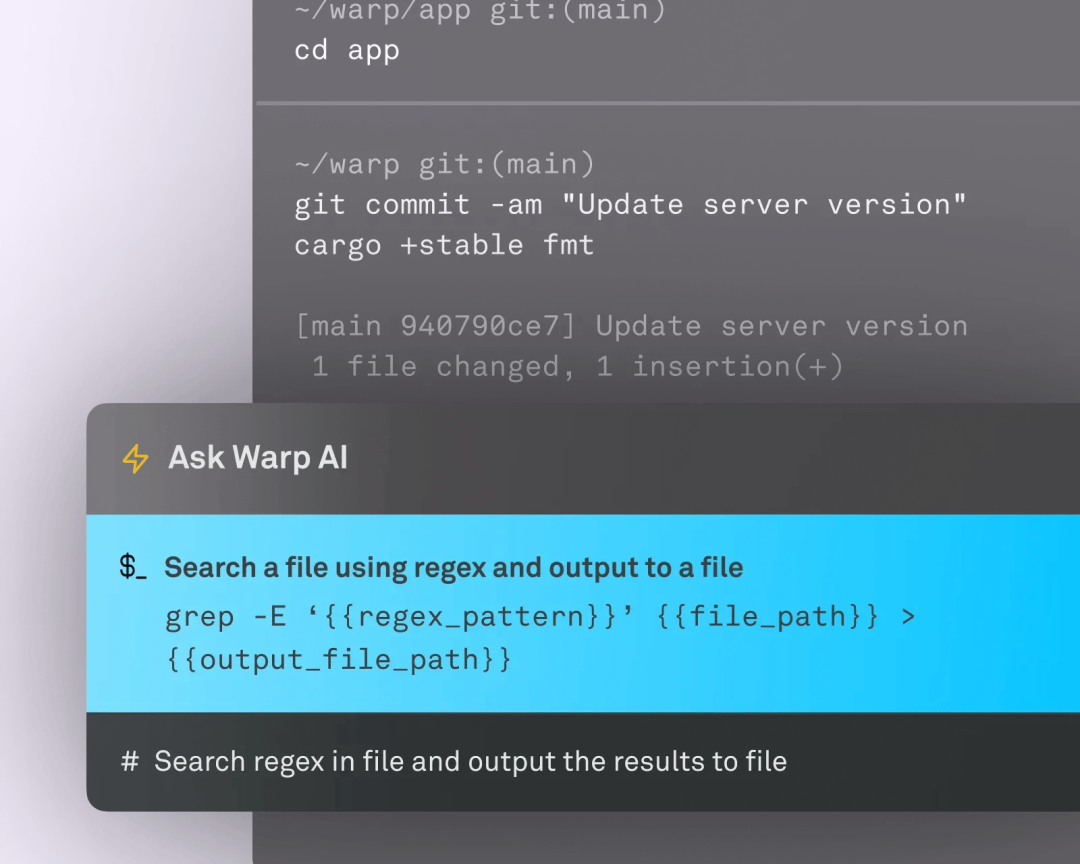
Warp has a native built-in AI assistant:
- Natural Language Dialogue: Supports direct command search through natural language.
- Intelligent Debugging: When a command errors out, click the AI icon next to it, and it will analyze the error stack information.
Installation and Usage
Warp supports macOS, Linux, and Windows.
Address: https://www.warp.dev/download
macOS users can also use the following command to download:
brew install --cask warp
5. Selection Advice: All are Good, Choose What Suits You
The four terminals each have their strengths; there is no absolute "best", only the "most convenient" for specific workflows.
| Dimension | Ghostty | WindTerm | kitty | Warp | iTerm2 |
|---|---|---|---|---|---|
| Positioning | Performance / Native-oriented terminal | Operations and maintenance workstation | GPU accelerated + Highly customizable | IDE-like + AI + Collaboration | Stable old brand |
| Difficulty | Low (GUI friendly) | Medium-low (modern UI) | Very low | Long output / High load | Strong sense of use |
You can choose based on your daily needs:
- Performance + Claude Code users → Ghostty
- Operations and maintenance engineers → WindTerm
- Geeks/Linux heavy users → kitty
- Beginners/Team collaboration → Warp
Quick Filtering:
- iTerm2 screen scrolling lag → Ghostty
- Can't remember Shell commands → Warp
- Connecting to servers, changing configurations → WindTerm
- Terminal image viewing, high refresh rate → kitty



