A Complete Practical Guide to Building Claude & Codex Skills
A Complete Practical Guide to Building Claude & Codex Skills
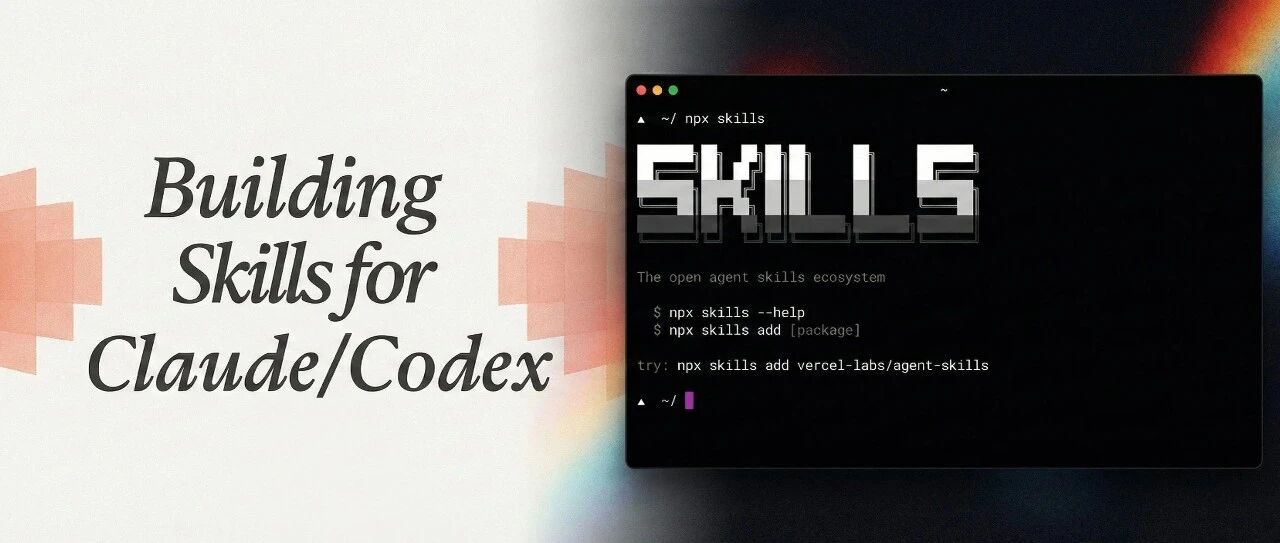
Both Claude Code and Codex support the Skills feature, allowing you to define specialized workflows and capabilities for AI. This article will guide you step-by-step on how to build practical Skills.
What are Skills?
Skills are a mechanism to extend AI capabilities by writing configuration files and prompts, allowing AI to perform more professionally and efficiently in specific scenarios.
Core Components of Skills
- Trigger: Defines when to activate this Skill
- System Prompt: Guides the AI's behavior
- Tool Definition: Specifies the tools the AI can use
- Example Dialogues: Demonstrates the expected interaction patterns
Creating Your First Skill
1. Create a Configuration File
mkdir -p ~/.claude/skills/my-skill cd ~/.claude/skills/my-skill touch skill.md
2. Write Skill Content
`# My Custom Skill
Trigger
- User mentions "analyze code"
- Working with specific file types
Instructions
When this skill is active:
- First analyze the code structure
- Identify potential issues
- Suggest improvements
- Provide code examples`
3. Test the Skill
Trigger your Skill in Claude Code to verify its effectiveness.
Advanced Techniques
- Chained Skills: Allow multiple Skills to work together
- Context Passing: Share state between Skills
- Dynamic Loading: Automatically load different Skills based on project type
Best Practices
- Keep Skills focused on a single responsibility
- Provide clear examples
- Update and optimize regularly
- Share useful Skills with your team
Summary
Skills are a powerful tool for improving AI programming efficiency. By designing and using Skills reasonably, you can make Claude Code and Codex better adapt to your workflow and become truly efficient programming assistants.



