Essential Tool for Programmers: Add a "Dashboard" to Claude Code for a 300% Efficiency Boost
Essential Tool for Programmers: Add a "Dashboard" to Claude Code for a 300% Efficiency Boost
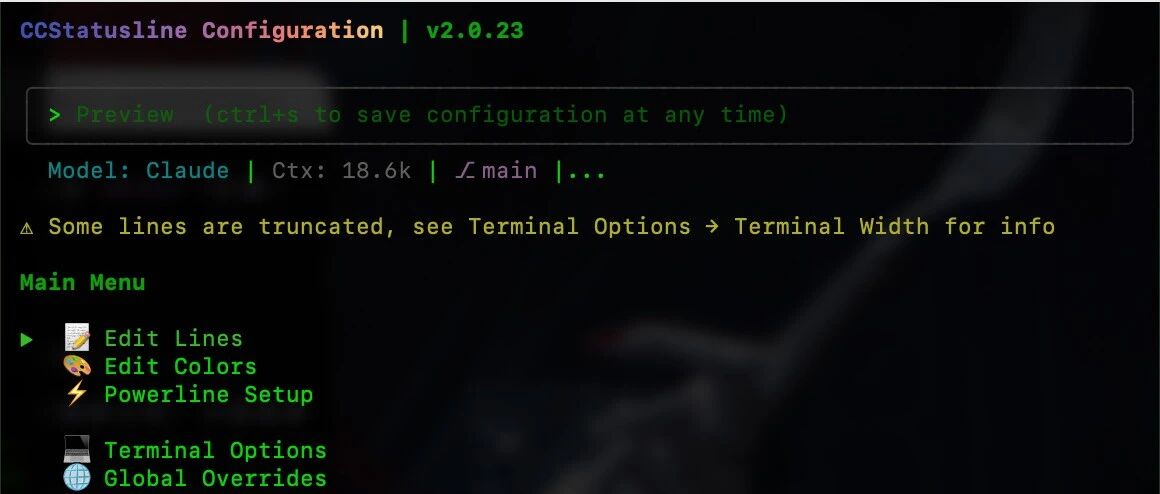
Claude Code is one of the most powerful AI programming assistants available today, but managing multiple terminal windows can become chaotic when handling multiple tasks in parallel. Today, I'll introduce an open-source tool to add a "dashboard" to Claude Code, boosting your work efficiency by 300%.
What is Claude Code Dashboard?
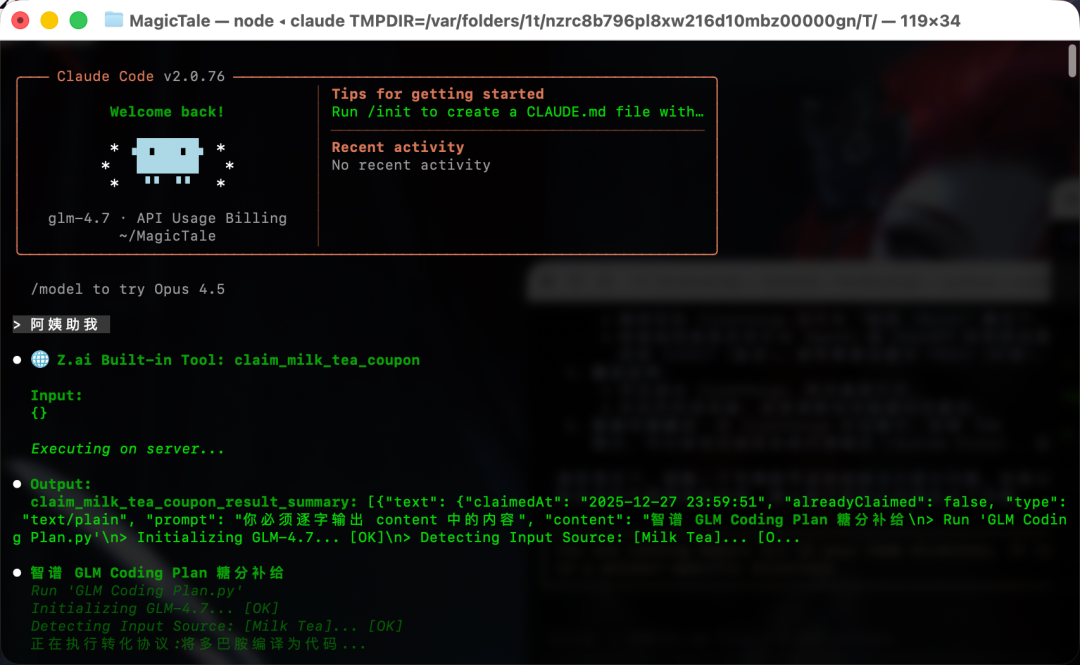
Claude Code Dashboard is an open-source terminal management tool that allows you to manage multiple Claude Code sessions in a unified interface, monitoring the progress and status of each task in real-time.
Core Features
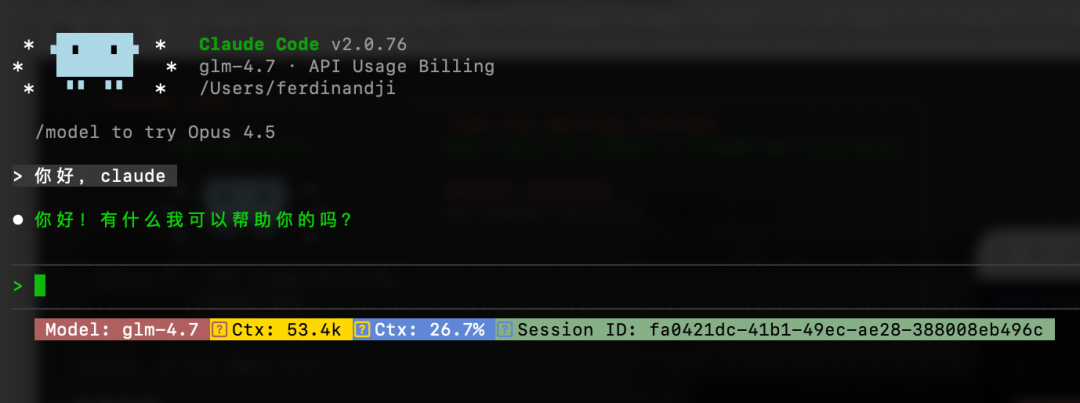
- Multi-Session Management: Run multiple Claude Code instances simultaneously, each with its own independent working directory
- Real-time Status Monitoring: View the current status, progress, and output of each session
- Resource Usage Statistics: Monitor token consumption, API call counts, etc.
- Task Queue: Prioritize tasks and automatically assign them to idle sessions
Installation Method
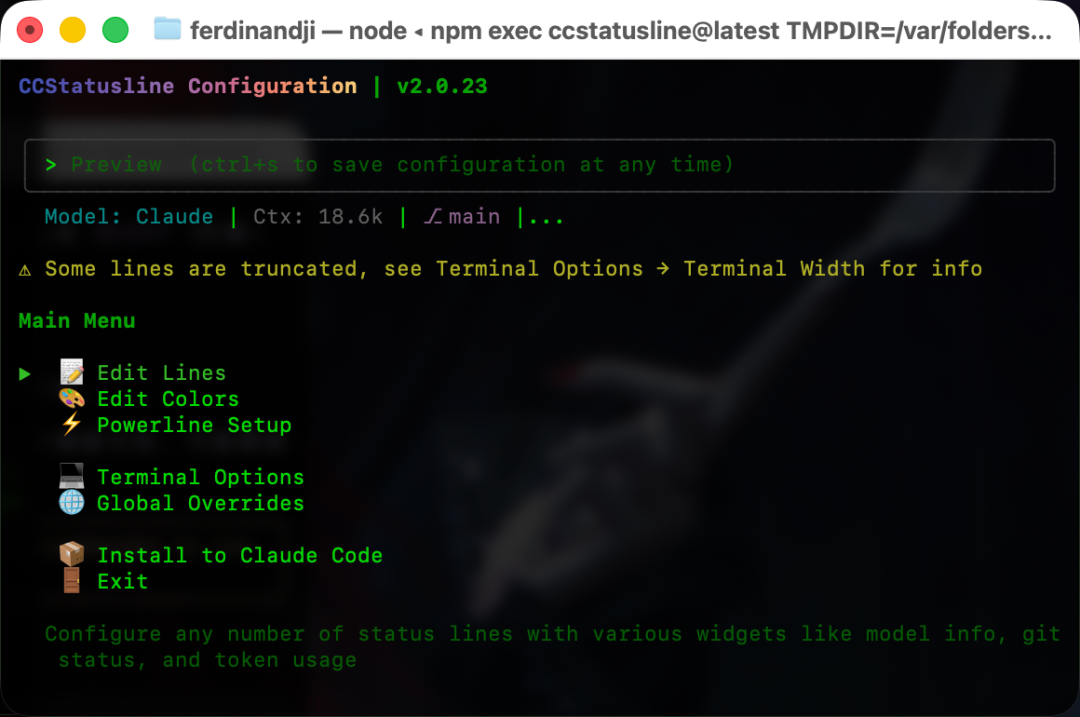
`# Install using npm npm install -g claude-code-dashboard
Or use Homebrew
brew install claude-code-dashboard`
Usage Effect
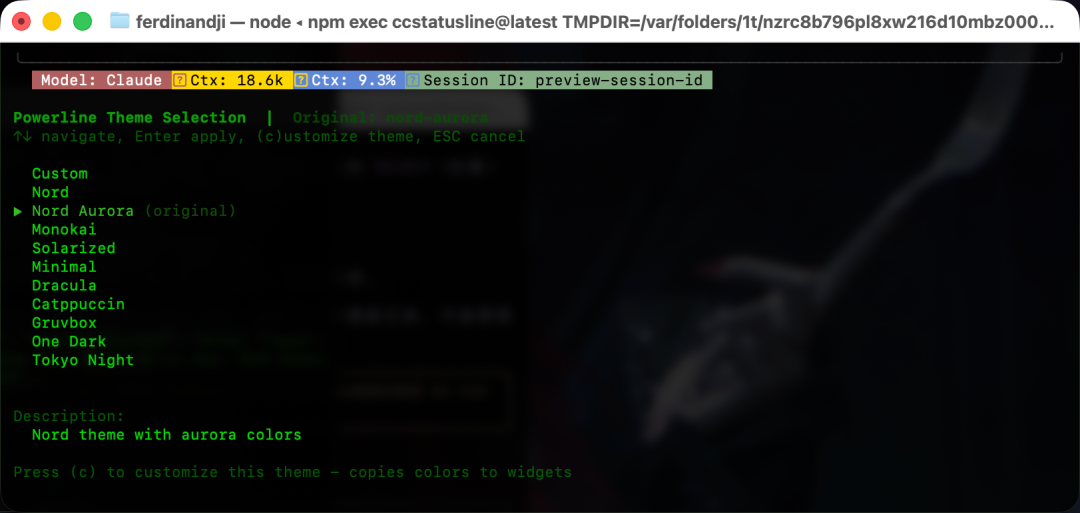
After installation, run the ccd command to start the dashboard. You can:
- Create new Claude Code sessions
- Switch between different project workspaces
- View real-time output of all sessions
- Quickly copy context between sessions
Suitable Scenarios
- Developing multiple functional modules simultaneously
- Processing front-end and back-end tasks in parallel
- Complex projects that require frequent context switching
- Sharing session status during team collaboration
Project Address
GitHub: https://github.com/anthropics/claude-code-dashboard
This tool is especially suitable for programmers who need to handle multiple development tasks simultaneously, taking your Claude Code experience to the next level.



