Gathers Claude Code, Gemini CLI, and More – AionUi Boasts 12,000 Stars on GitHub!
AionUi has already garnered 12K stars on GitHub.
It's a local, free, and open-source AI Cowork platform, comparable to Anthropic’s Cowork, but completely deployable locally and free to use.
AionUi isn’t a browser-based chat interface; it’s a system-level AI collaboration tool.
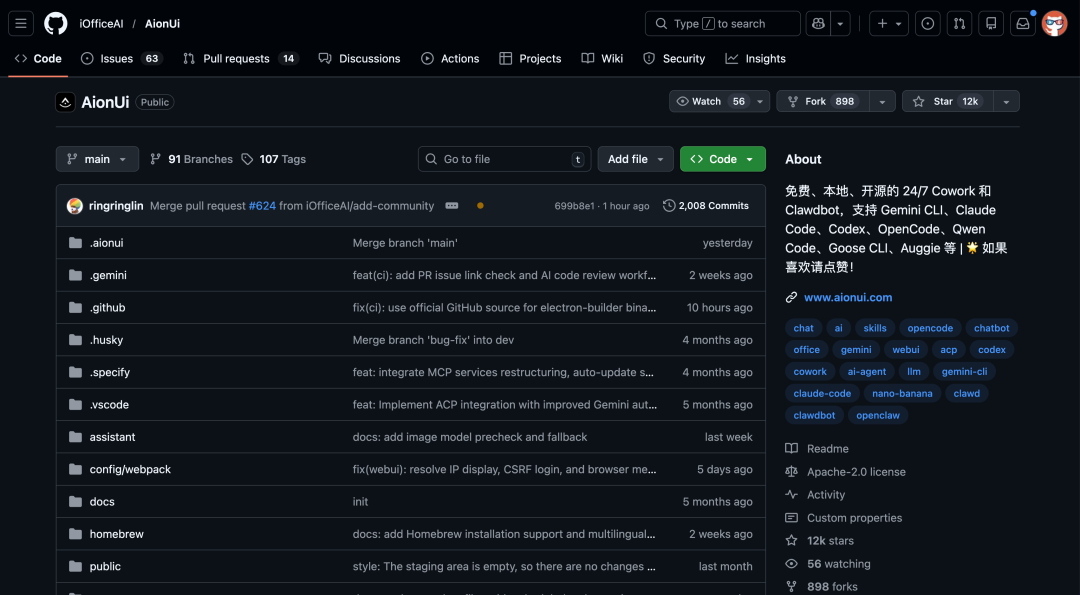
Essentially, it provides a beautiful graphical user interface for a bunch of command-line AI agents like Claude Code and Gemini CLI.
01
Open-Source Project Introduction
The AionUi project’s description on GitHub is:
Collaborate with your AI, Gemini CLI, Claude Code, Codex, Qwen Code, Goose CLI, Auggie, etc. User-friendly, visual graphical interface, multi-model support, local data security.
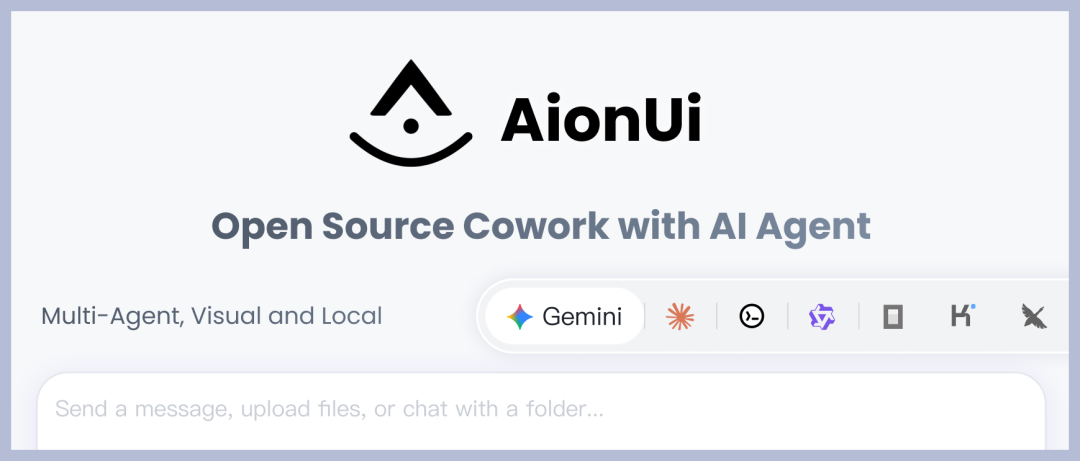 In summary, it features:
① Graphical Interface for Command-Line AI Agents
Provides a unified graphical interface – a Cowork workstation – for command-line AI tools like Gemini CLI, Claude Code, Qwen Code, Goose CLI, and Auggie.
Supports automatic detection of local CLI tools and unified management and invocation within a single UI.
 ② Your Private Cowork Workspace
You can accomplish tasks in one interface: organize folders, automatically format Excel spreadsheets, preview/edit various documents, run scripts, write code, batch process tasks, and more.
Multiple sessions and multiple agents running in parallel, making it suitable for heavy developers and multi-model enthusiasts.
③ Local First, Data Sovereignty
Conversation history, file operations, code, and other data are stored by default in a local SQLite database and are not uploaded to the cloud. Remote access is possible via WebUI + local network/cross-network, but you retain control of your data.
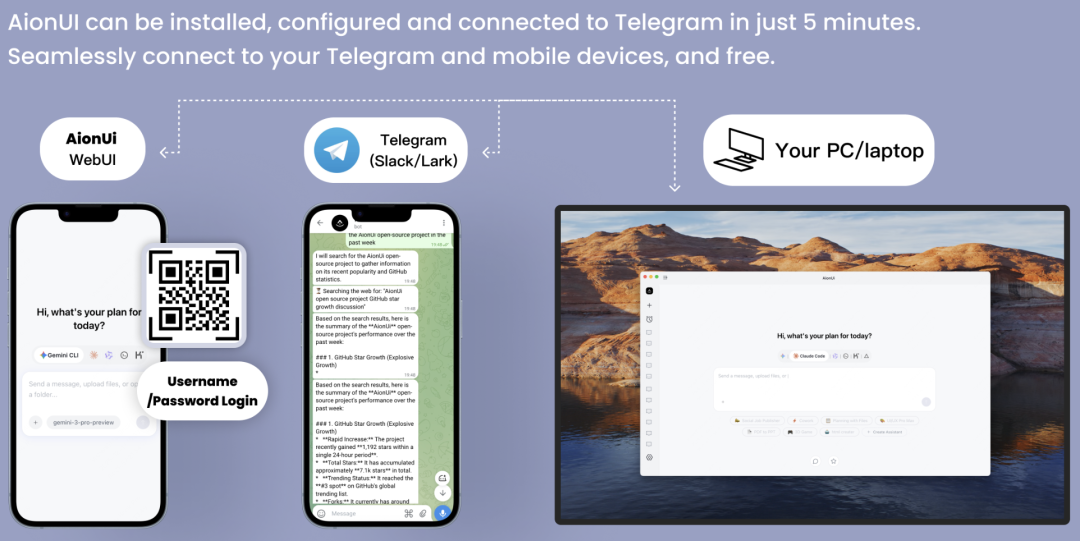
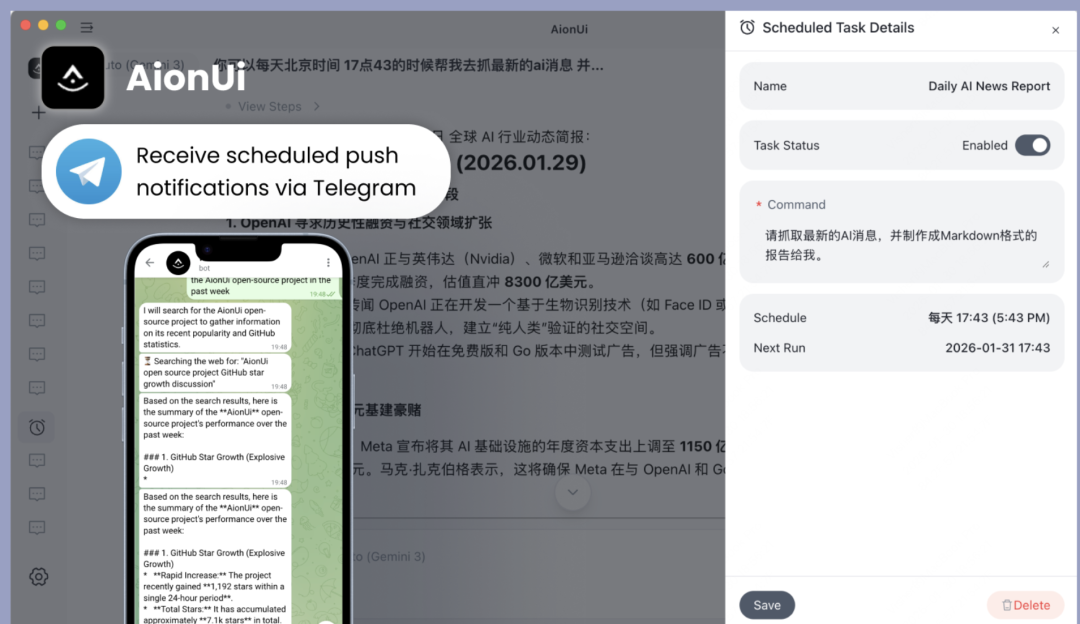
④ Usable in Telegram
Perhaps due to the recent popularity of OpenClaw, AionUi can now chat directly with your AI assistant via Telegram.
Its recent narrative has shifted from being an open-source alternative to Claude Cowork to becoming a 7 x 24 non-stop Clawdbot.
 02
02
What Scenarios?
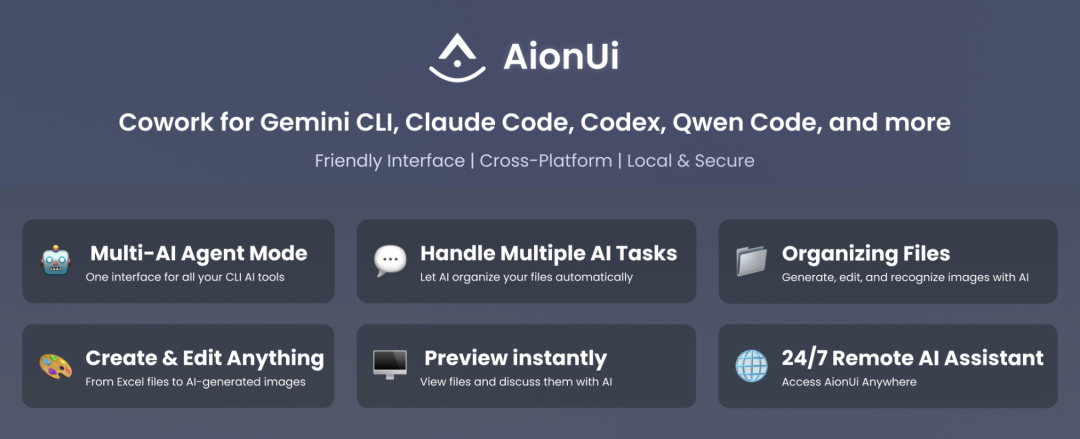
AionUi excels at multi-model and multi-agent collaboration. Within the same window:
Let Gemini CLI handle reasoning and scheme design
Let Claude Code handle code writing and refactoring
Let Qwen handle Chinese polishing and translation
You can even add a local model, such as Ollama, for local offline inference. All conversations and tasks are managed on a per-session basis, with each session having independent context, allowing you to chat on many projects simultaneously.
Moreover, AionUi has a built-in scheduled task system:
Supports automatic triggering of tasks daily, weekly, or monthly. Tasks can be managed, and with CLI Agents, AI can automatically periodically: organize a directory, generate daily or weekly reports.
This makes it not just a conversational assistant, but an office assistant that can be left running for extended periods.
 Cowork’s scenarios, such as batch renaming, classifying, organizing files and folders, are all supported.
And AionUi also supports real-time editable + preview linkage for certain formats (e.g., Markdown real-time preview).
It also supports AI image generation and editing, supporting image generation and editing based on Gemini image models and other image models, as well as image understanding.
There is a dedicated image generation tool configuration guide for model configuration.
03
How to Use
URL: https://github.com/iOfficeAI/AionUiAionUi is a local AI Cowork platform that brings together multiple models, multiple agents, local + cloud, files + tasks into a unified graphical interface.
You can hang any agent, model, and task you like on it, turning various command-line tools into visual assistants that can work anytime.



