I only taught AI one trick, and it learned the rest on its own...
Today, I'm compiling a practical collection. Two skills, two guides, and one small trick, all of which I use myself, ready to use.
Second Skill: Let AI Learn to Find Skills Itself
Find Skills is the one I want to recommend the most.
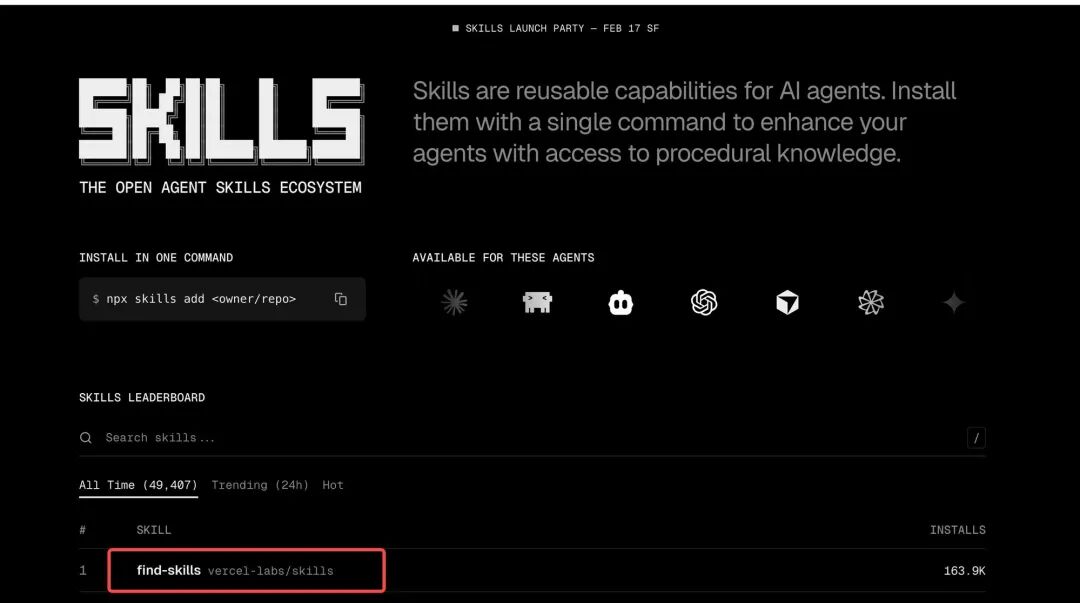
Many people think: I need to equip AI with many skills, adding them manually one by one. I don't think this approach is sustainable. As the number of skills increases, you simply can't manage them all.
Change your thinking: Don't feed it skills, let it find them itself.
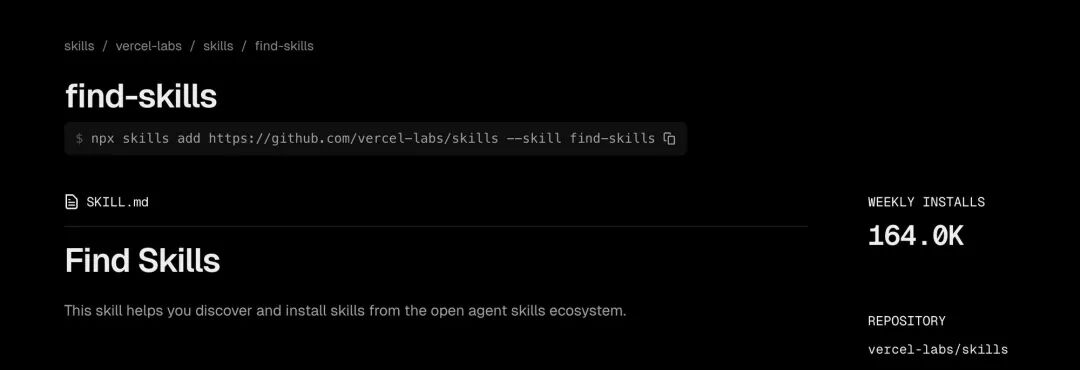
Find Skills does just that. It's like a "skill search engine." When the AI assistant encounters something it doesn't know, it searches for it, installs it, and learns it itself.
 It's like how people learn. You don't need to cram all the knowledge into your brain; you just need to learn how to find knowledge and how to learn.
I think this is the future direction of AI automation, not stacking skills, but letting it learn autonomously like a human brain.
Installation is simple:
npx skills add https://github.com/vercel-labs/skills --skill find-skills
After installation, your AI assistant will have "self-learning ability."
Second Skill: Agent Browser
Having search and learning capabilities is not enough; many tasks require operating web pages. Filling out forms, scraping data, taking screenshots, logging into the backend... Agent Browser can do all these things.
Its logic is very clear: open the webpage → identify elements → click, fill, select → confirm the result.
It's the same process as a person operating a browser, except that AI is doing it for you. Simple processes are still relatively stable, but be aware that it costs Tokens.
Installation command:
npx skills add https://github.com/vercel-labs/agent-browser --skill agent-browser
After installation, your AI assistant will have "hands" and can directly operate the browser.
Two Practical Guides
Having skills alone is not enough; some infrastructure needs to be set up first. I've written two guides, both of which are in the GitHub repository.
1. Browser Tool Installation Guide
Step-by-step instructions on how to configure browser tools in a Linux/Ubuntu environment. Includes Chrome installation, configuration file isolation, and multi-configuration management. Once this step is done, Agent Browser can truly run.
2. Web Search Online Search Guide
Allows your AI assistant to search the internet. I compared several third-party services and ultimately recommended Brave Search. The reason is simple: the free quota is sufficient, the response speed is fast, and the configuration is not complicated.
If you want your AI assistant to not only find answers in the local knowledge base but also be able to search for information online like you, this guide is worth following.
A Small Trick: Speech Recognition
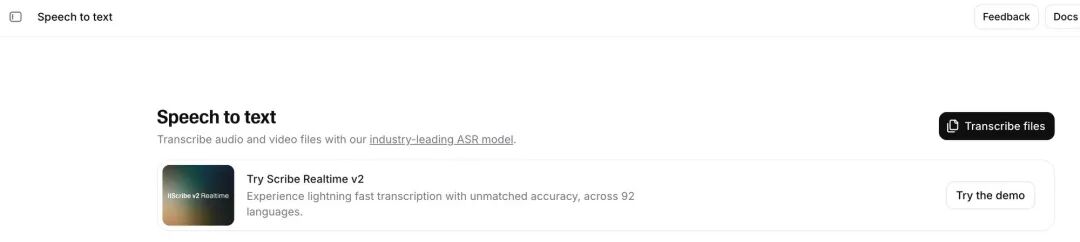
If you want your AI assistant to understand speech, you can connect to ElevenLabs' speech-to-text service, which has a decent recognition effect.
The configuration method is very simple: directly tell your AI assistant "Help me install the ElevenLabs Speech-to-Text skill, I need to connect to ElevenLabs speech recognition," and then send it the API Key, and it will automatically configure it for you.
However, I must remind you: this service is not free, there is a free quota but not much. In everyday scenarios, using the built-in speech-to-text in chat tools is enough. But if you have needs such as batch transcribing audio or meeting minutes, you can try it out.
Resource Summary
All of the above resources are organized in my GitHub repository, take what you need:
👉 github.com/geekjourneyx/awesome-openclaw
Two skills, two guides, and one small trick. Not many, but all of them have been tested and verified by myself.
It's not about having many tools, but about making sure each one can be truly used.



